
Pinterest feeds
A Pinterest feed is a smart feed of the latest pins from a public Pinterest profile or board. Each pin becomes a feed item with its image, its title and a link. Use it to share a brand’s ideas, or to turn your own boards into posts on your other channels.
Create a Pinterest feed
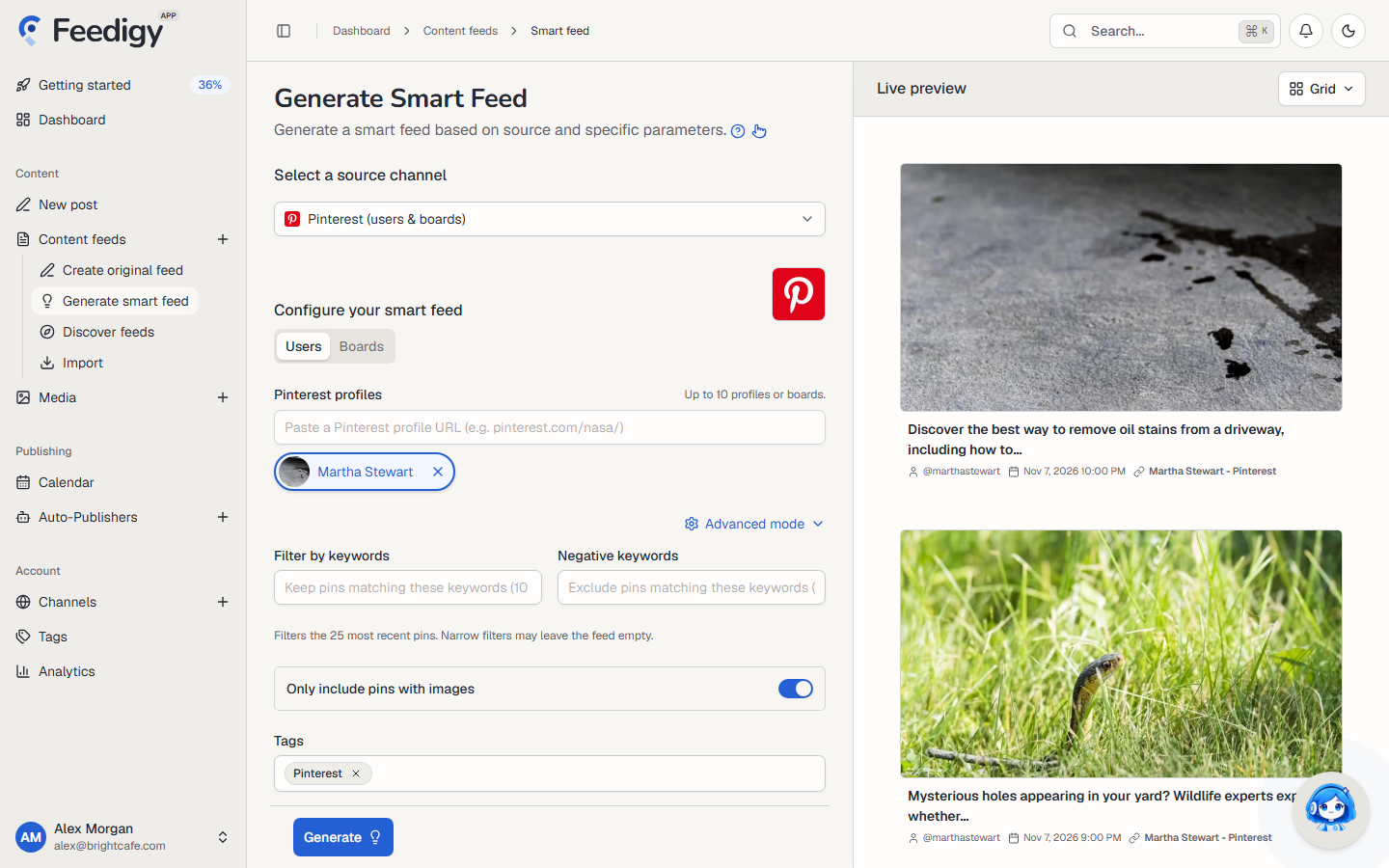
Section titled “Create a Pinterest feed”- Open Content feeds in the sidebar, then Generate smart feed.
- In Select a source channel, choose Pinterest.
- Choose Users or Boards, then paste the address.
- Check the pins in Live preview on the right.
- Select Generate.
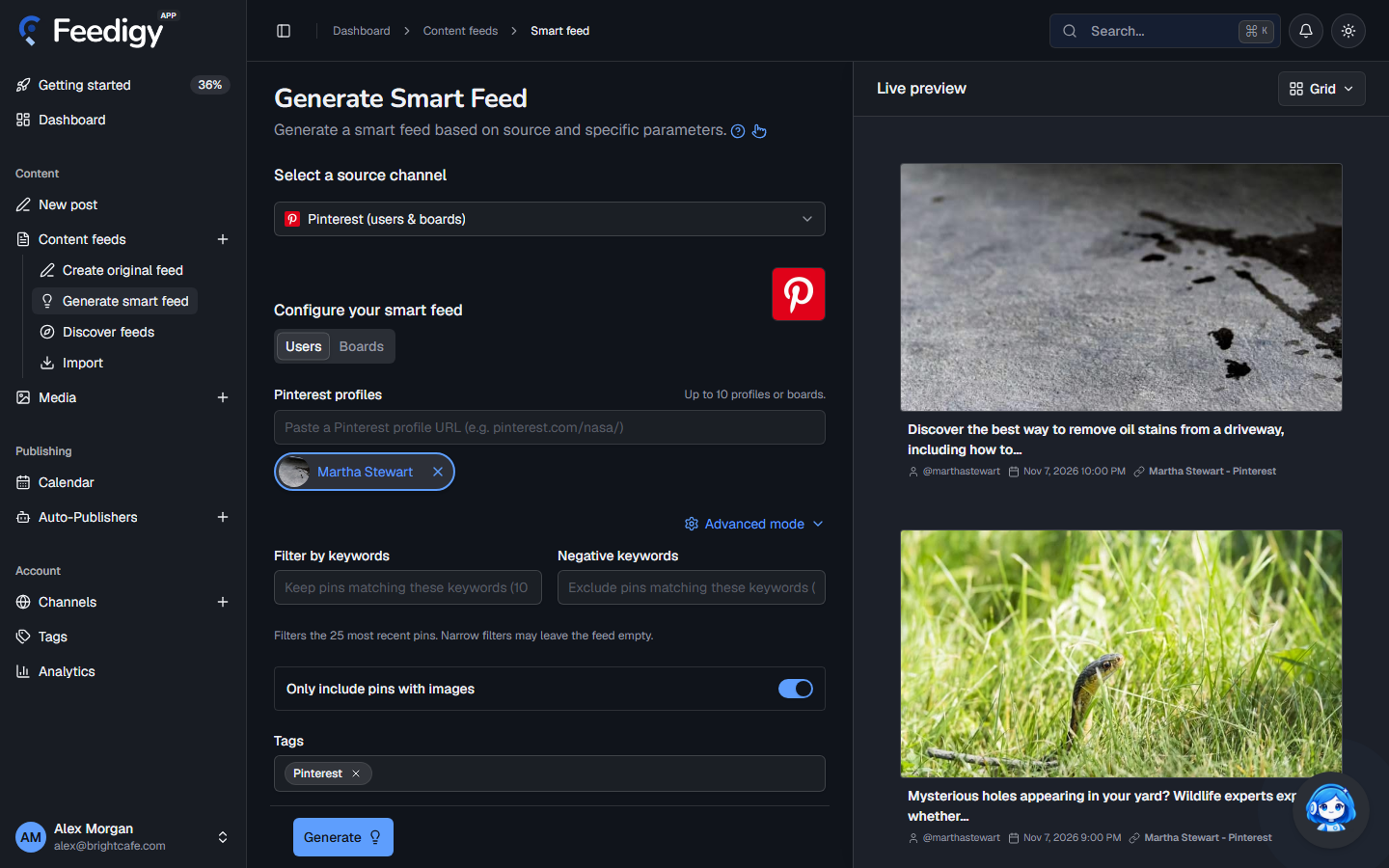
Users or boards
Section titled “Users or boards”- Users: paste the address of a Pinterest profile, for example
pinterest.com/nasa/. You get the newest pins from the whole profile. - Boards: paste the address of one board, for example
pinterest.com/nasa/earth/. You get the newest pins on that board only.
Press Enter after each address. Feedigy checks it and shows the profile or board name. You can add up to 10, and each one becomes its own feed. When you edit a feed later, it holds one profile or board.
Advanced mode
Section titled “Advanced mode”- Filter by keywords: keep only pins that match one of these words (up to 10).
- Negative keywords: skip pins that match any of these words (up to 10).
- Only include pins with images: skip pins without an image. It is on by default.
- Tags: tags for the new feeds. Pinterest is added for you. See Tags.
The filters work on the 25 most recent pins. Narrow filters can leave the feed empty, so check the preview before you generate.
After you generate
Section titled “After you generate”The new feeds appear on the Content Feeds page with the Smart type. Feedigy refreshes a Pinterest feed at most every 2 hours, when the feed is read. To share the pins on your channels, add the feed to an Auto-Publisher.
Keep posting through busy weeks
Set sources, keywords and posting hours once. Feedigy posts to your channels while you work on other things.
No card required. The Free plan has no time limit.