
ClickBank feeds
A ClickBank feed is a smart feed of digital products from the ClickBank marketplace that match your keywords. Each product becomes a feed item with its title, description and an affiliate link. Use it to promote courses, e-books and software in your niche and earn commission on sales.
Create a ClickBank feed
Section titled “Create a ClickBank feed”- Open Content feeds in the sidebar, then Generate smart feed.
- In Select a source channel, choose ClickBank (products).
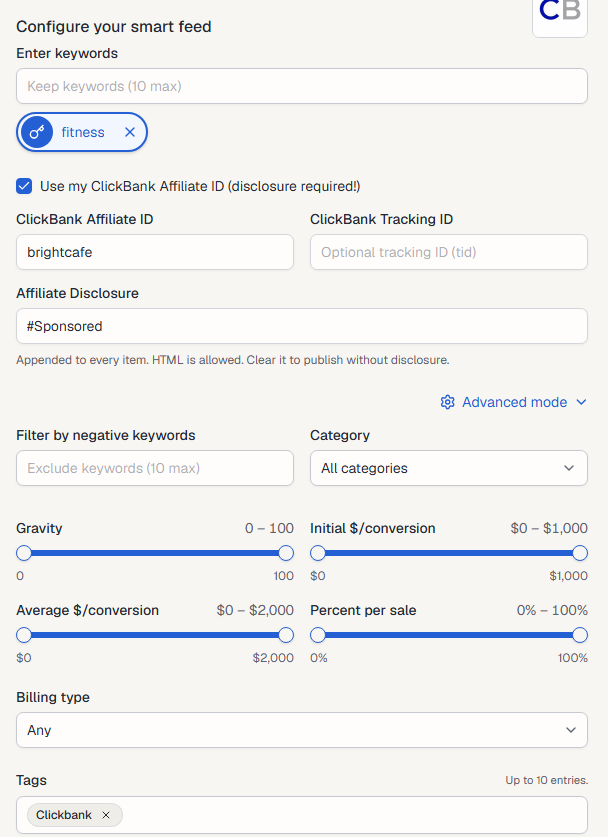
- Type a keyword into Enter keywords and press Enter. Add up to 10. Each keyword becomes its own feed. Select a keyword to preview it.
- Tick Use my ClickBank Affiliate ID and enter your ID (see below), unless you saved it on the ClickBank channel page.
- Check the products in Live preview on the right.
- Select Generate.
Use your own affiliate ID
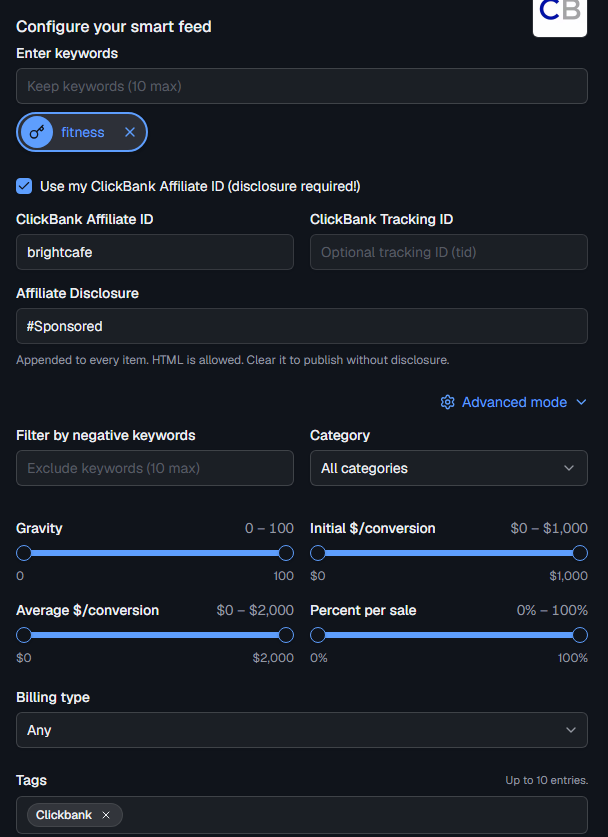
Section titled “Use your own affiliate ID”Tick Use my ClickBank Affiliate ID (disclosure required!) to put your ClickBank account nickname in every product link.
- ClickBank Affiliate ID: your ClickBank account nickname. Required when the box is ticked.
- ClickBank Tracking ID: optional (
tid). Use it to tell your feeds apart in ClickBank’s reports. - Affiliate Disclosure: text added to every item,
#Sponsoredby default. HTML is allowed. Affiliate rules require a disclosure, so clear it only if you add one another way.
Advanced mode
Section titled “Advanced mode”- Filter by negative keywords: skip products that contain any of these words (up to 10).
- Category: search within one ClickBank category, or All categories.
- Gravity: ClickBank’s score for how many affiliates sold the product recently, from 0 to 100. A higher gravity means a product that sells.
- Initial $/conversion: what you earn on the first sale, from $0 to $1,000.
- Average $/conversion: what you earn on average per sale, including rebills, from $0 to $2,000.
- Percent per sale: your commission as a share of the price, from 0% to 100%.
- Billing type: Any, One-time or Recurring.
- Tags: tags for the new feeds. Clickbank is added for you. See Tags.
After you generate
Section titled “After you generate”The new feeds appear on the Content Feeds page with the Smart type. Products are listed by their popularity in the marketplace. Feedigy updates its copy of the ClickBank marketplace once a day and refreshes a ClickBank feed at most every 2 hours, when the feed is read. To share the products on your channels, add the feed to an Auto-Publisher.
Keep posting through busy weeks
Set sources, keywords and posting hours once. Feedigy posts to your channels while you work on other things.
No card required. The Free plan has no time limit.