
Instagram (source)
Connect Instagram as a source to build Instagram feeds from your account, public business accounts and hashtags. This connection cannot publish.
You need an Instagram Business or Creator account linked to a Facebook Page.
Connect
Section titled “Connect”- Open Channels in the sidebar and select Add a channel.
- Select the Instagram card.
- Choose Connect for Smart Feeds (via Facebook).
- Sign in to Facebook and allow access to your Pages and their Instagram accounts.
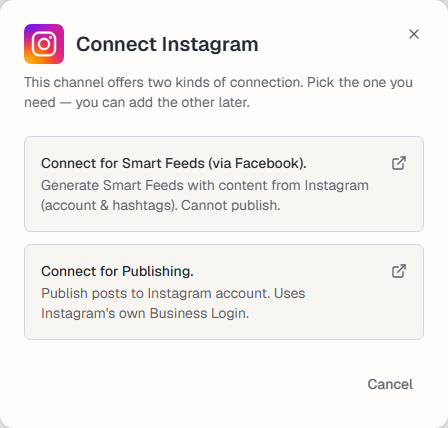
Each Instagram account you connect becomes its own channel and uses a channel slot. Pick only the ones you need.
To publish to Instagram, add the other connection. See Instagram (destination).
Manage the connection
Section titled “Manage the connection”The channel appears on the Channels page. Use Settings to rename it, change its picture or Reauthorize it, and Disconnect to remove it. See What are channels?.
Keep posting through busy weeks
Set sources, keywords and posting hours once. Feedigy posts to your channels while you work on other things.
No card required. The Free plan has no time limit.