
News feeds
A news feed is a smart feed that collects the latest news articles on a subject you choose. Use it to share industry news on your channels, or to keep an eye on your brand, your competitors or a topic.
Create a news feed
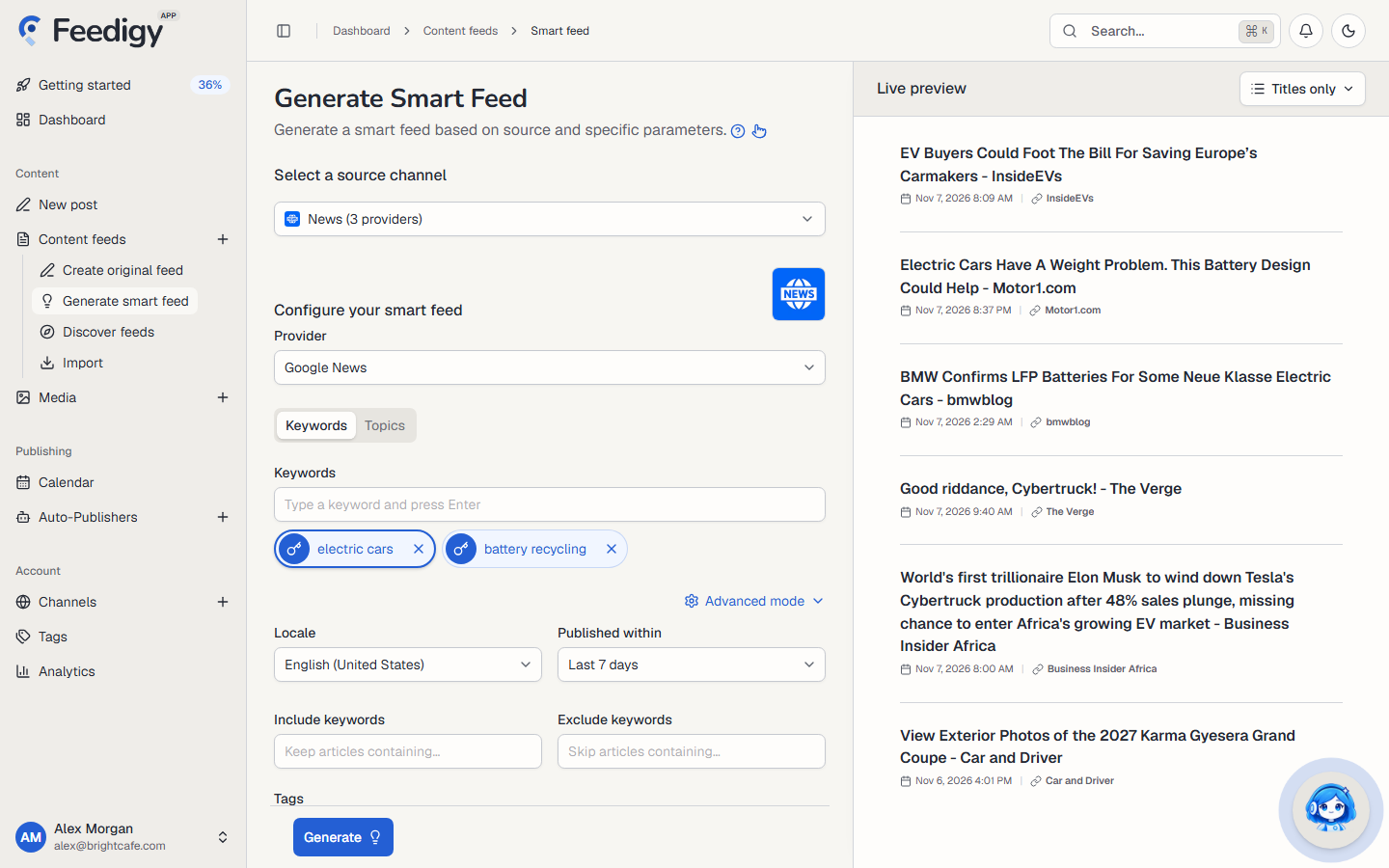
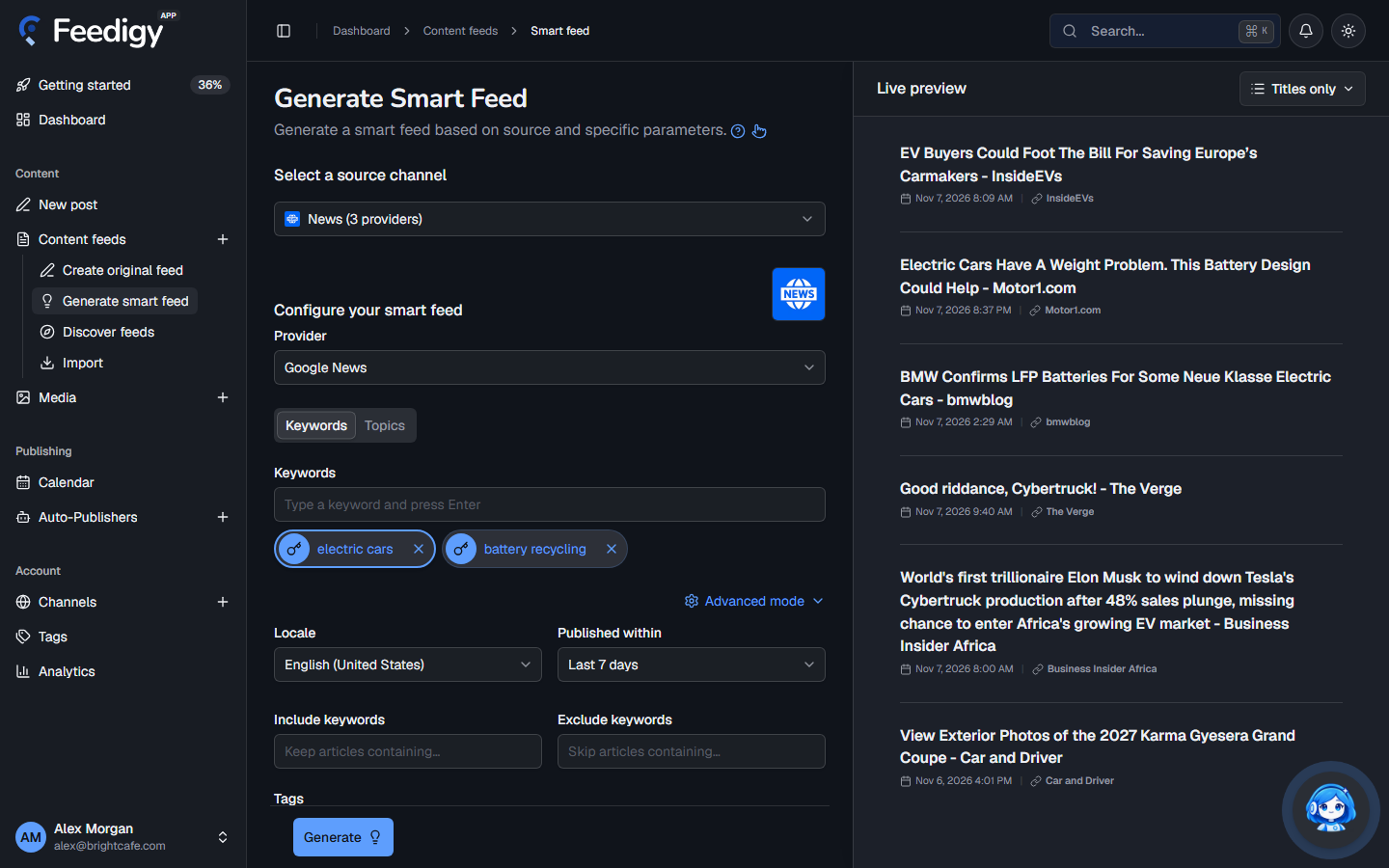
Section titled “Create a news feed”- Open Content feeds in the sidebar, then Generate smart feed.
- In Select a source channel, choose News.
- Choose a Provider (see below).
- Choose what to follow: Keywords or Topics.
- Check the articles in Live preview on the right.
- Select Generate.
Providers
Section titled “Providers”| Provider | What you need | Notes |
|---|---|---|
| Google News | Nothing. Ready to use. | Headlines from thousands of news sites. Items have a title, a date and the source, but usually no image. |
| The Guardian | Your free Guardian API key, added in Channels. | Full Guardian articles with images. |
| NewsData.io | Your NewsData.io API key, added in Channels. | News from many countries and languages. The free NewsData.io plan returns up to 10 articles per request. |
If you pick a provider that needs a key you have not added yet, Feedigy opens the window to connect it.
Keywords or topics
Section titled “Keywords or topics”- Keywords: type a word or phrase and press Enter. Add up to 10. Each keyword becomes its own feed, so
electric carsandbattery recyclinggive you two feeds. Select a keyword to preview it alone. - Topics: pick ready-made news sections, up to 10. Each topic becomes its own feed.
| Provider | Topics |
|---|---|
| Google News | World, Nation, Business, Technology, Entertainment, Sports, Science, Health |
| The Guardian | World, UK news, US news, Business, Technology, Science, Environment, Politics, Sport, Culture, Media, Education and more |
| NewsData.io | Top, World, Business, Technology, Entertainment, Sports, Science, Health, Politics, Environment and more |
Advanced mode
Section titled “Advanced mode”Select Advanced mode for more control. The options depend on the provider:
- Locale (Google News): the country and language edition, for example English (United States).
- Published within (Google News): Last 24 hours, Last 7 days, Last 30 days or Any time.
- Language and Country (NewsData.io): only news in this language, or from this country.
- Section (The Guardian, with keywords): search only one section of the site.
- Include keywords: keep only articles that contain one of these words.
- Exclude keywords: skip articles that contain any of these words. For example, follow
appleand excluderecipe. - Tags: tags for the new feeds, so you can find and filter them later. See Tags.
After you generate
Section titled “After you generate”The new feeds appear on the Content Feeds page with the Smart type. Feedigy refreshes a news feed at most once an hour, when the feed is read. To post its articles to your channels automatically, add it to an Auto-Publisher.
To change a feed’s keywords or options later, open ⋮ on its row and select Edit feed.
Keep posting through busy weeks
Set sources, keywords and posting hours once. Feedigy posts to your channels while you work on other things.
No card required. The Free plan has no time limit.