
Audiobook feeds
Это содержимое пока не доступно на вашем языке.
An audiobook feed is a smart feed of free audiobooks from LibriVox, a library of public-domain books read by volunteers. Each chapter becomes a feed item with the book cover, the chapter title and the audio. Use it for a book club, a reading channel or a classic-literature newsletter. You need no account.
Create an audiobook feed
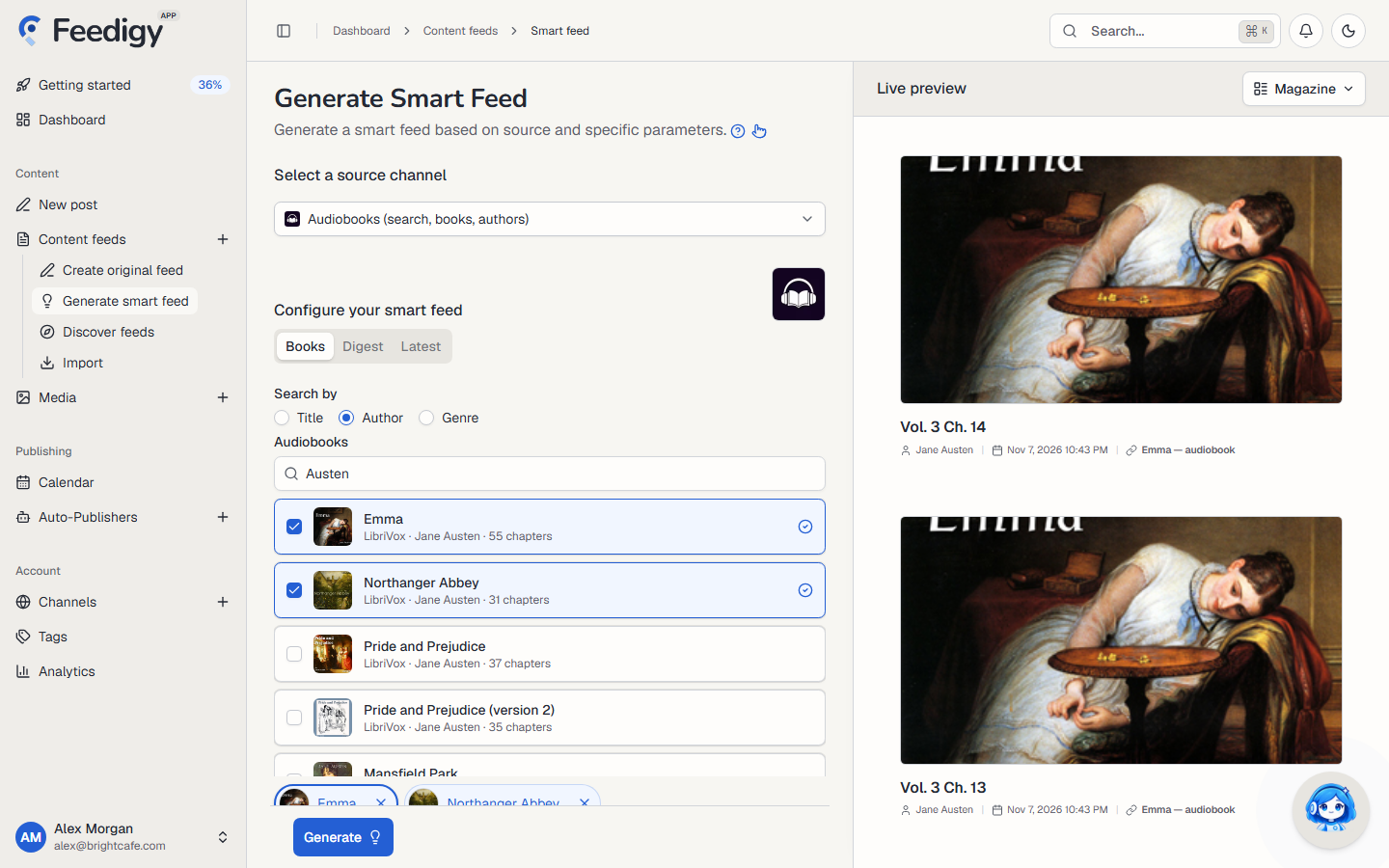
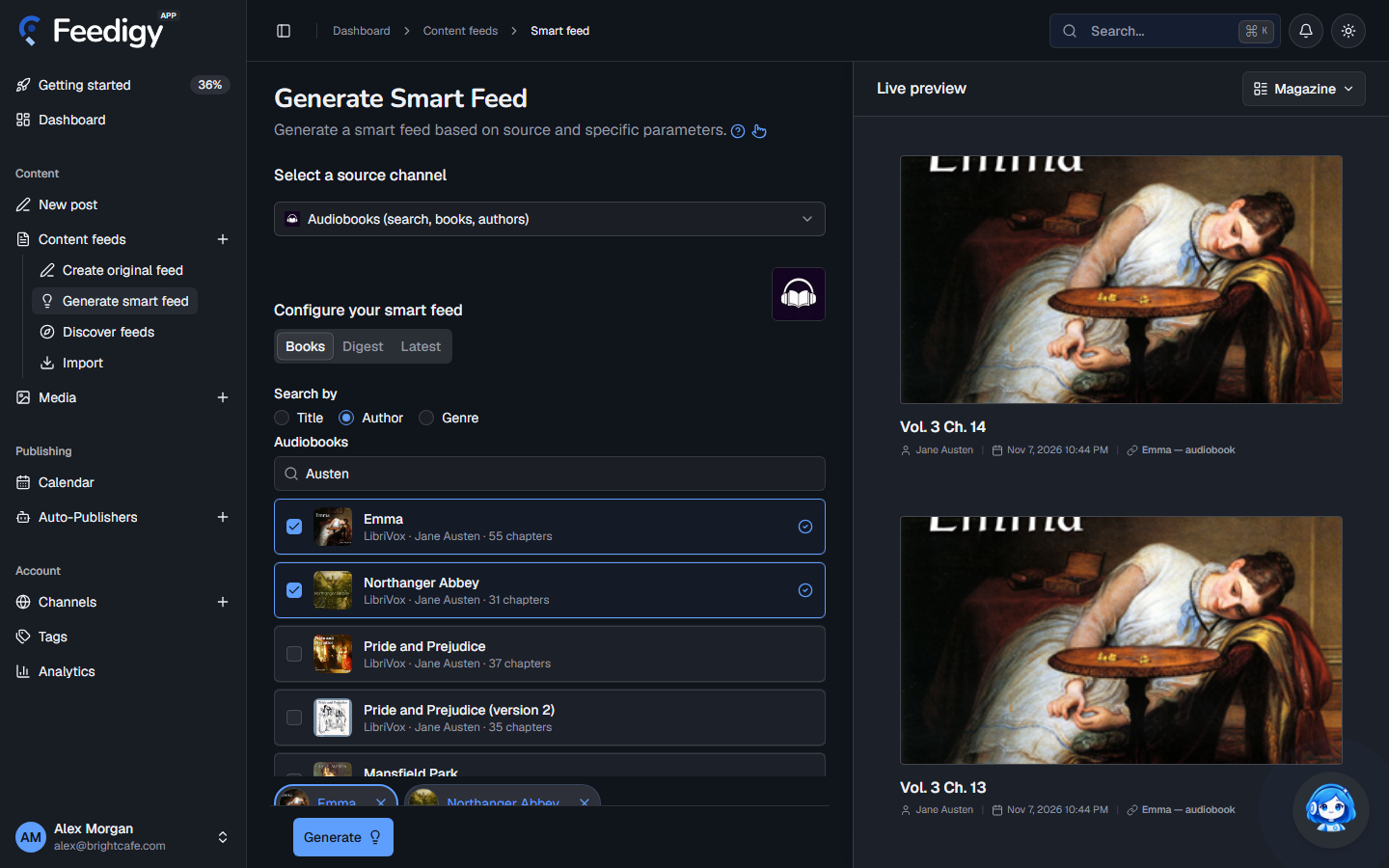
Section titled “Create an audiobook feed”- Open Content feeds in the sidebar, then Generate smart feed.
- In Select a source channel, choose Audiobooks.
- Choose Books, Digest or Latest (see below).
- Check the chapters in Live preview on the right.
- Select Generate.
Books, Digest or Latest
Section titled “Books, Digest or Latest”-
Books: find particular books and get their chapters.
- In Search by, choose Title, Author or Genre. For an author, type the surname, for example
Dickens. - Tick the books you want. Each result shows the reader source, the author and the number of chapters.
Each book becomes its own feed.
- In Search by, choose Title, Author or Genre. For an author, type the surname, for example
-
Digest: type a title, an author surname or a genre and press Enter. The feed collects chapters from the books that match.
-
Latest: follow the newest audiobooks added to the LibriVox catalog.
Genres come from the LibriVox list, grouped into Children’s, Fiction and Non-fiction, for example Crime & Mystery Fiction or Non-fiction > History.
Advanced mode
Section titled “Advanced mode”- Include keywords: keep only chapters that contain one of these words.
- Exclude keywords: skip chapters that contain any of these words.
- Tags: tags for the new feeds. Audiobooks is added for you. See Tags.
After you generate
Section titled “After you generate”The new feeds appear on the Content Feeds page with the Smart type. Feedigy refreshes an audiobook feed at most once an hour, when the feed is read. To share chapters on your channels, add the feed to an Auto-Publisher. Set it to Oldest first to post a book in order, one chapter at a time.
Keep posting through busy weeks
Set sources, keywords and posting hours once. Feedigy posts to your channels while you work on other things.
No card required. The Free plan has no time limit.