
Email digests
Это содержимое пока не доступно на вашем языке.
Connect an email address to receive email digests: regular emails with the newest posts from your feeds, sent by an Auto-Publisher.
Connect
Section titled “Connect”- Open Channels in the sidebar and select Add a channel.
- Select the Email digests card.
- Enter the Email address and select Connect.
- Open the email Feedigy sends to that address and select the confirmation link.
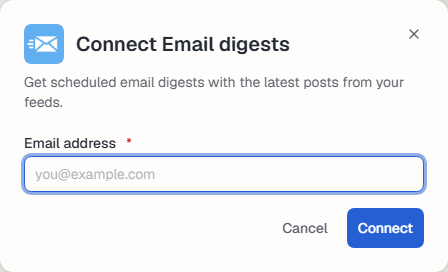
Until you confirm, the address waits for confirmation and no digests go out. You can add several addresses.
Use it
Section titled “Use it”Manage the connection
Section titled “Manage the connection”The channel appears on the Channels page. Use Settings to rename it, change its picture or Reauthorize it, and Disconnect to remove it. See What are channels?.
Keep posting through busy weeks
Set sources, keywords and posting hours once. Feedigy posts to your channels while you work on other things.
No card required. The Free plan has no time limit.