



















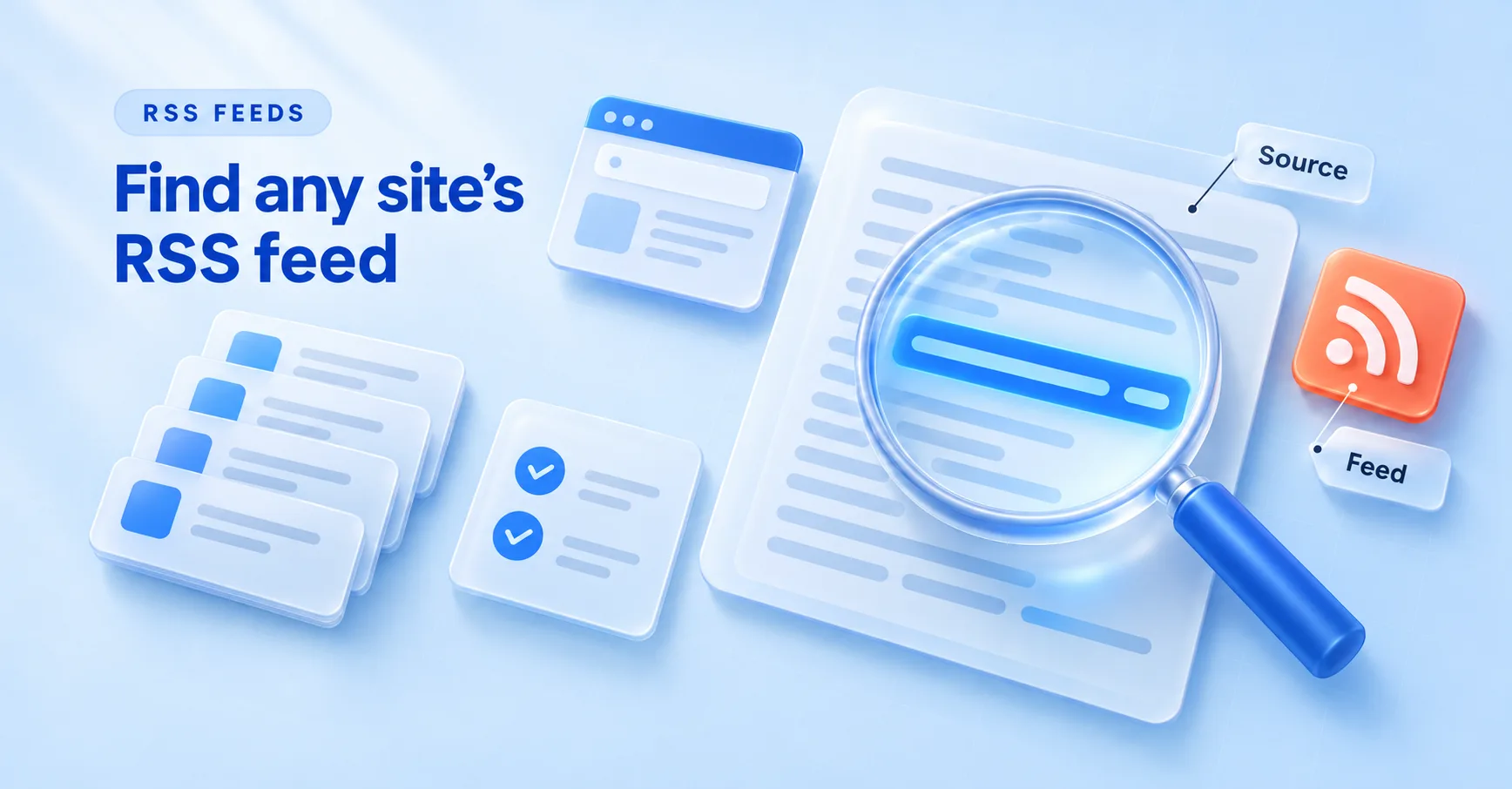
Start by adding /feed or /rss to the end of the site's homepage address. If that gives you a 404, open the page source (Ctrl+U in Chrome), search for application/rss+xml, and copy the URL in the href next to it. If neither works, keep reading.
This guide shows how to find RSS feed URLs five ways, ordered fastest first. It also has a table of feed patterns for 10 popular platforms, a quick way to check that a URL is a real feed, and fixes for sites that hide their feed or don't have one.
1. Guess the common feed URLs
Most publishing tools put the feed at a predictable path. Type the homepage URL and add one of these:
/feed(WordPress and Substack)/rss(Ghost and Tumblr)/feeds(suggested by Feedly's help center along with the two above)/feed.xml(Jekyll sites using the jekyll-feed plugin)/index.xml(sites built with Hugo)
A 404 page means the guess was wrong. A page of raw code that starts with <?xml, <rss or <feed means you found it.
Try the blog's own address too. A company site at example.com often keeps its blog at example.com/blog or blog.example.com, and the feed lives under that path instead of the root.
2. Search the page source for the feed link
Many sites with a feed announce it in their HTML with an autodiscovery tag. It looks like this:
<link rel="alternate" type="application/rss+xml" title="RSS" href="https://example.com/feed/">
The RSS Board's autodiscovery spec says the tag goes in the page's <head> and needs three attributes: rel, type and href. The HTML standard treats any alternate link with the type application/rss+xml or application/atom+xml as a link to a syndication feed, and tells browsers and other software to use these tags for feed discovery. WordPress themes that turn on automatic feed links add them to every page for you.
To find it:
- Open the site's homepage or blog page.
- Press Ctrl+U on Windows or Cmd+Option+U on Mac to view the source.
- Press Ctrl+F (Cmd+F on Mac) and search for
rss+xml. If nothing comes up, search foratom+xml, then justfeed. - Copy the URL in the
href. If it starts with/, put the site's domain in front of it.
You may find more than one tag. WordPress, for example, adds links for both the post feed and the comments feed. You almost always want the post feed.
3. Use browser DevTools when the source looks empty
Some sites build their pages with JavaScript, so the raw source you get with Ctrl+U is a near-empty shell. The browser's live version of the page can be different. As Chrome's DevTools docs put it, once JavaScript changes the page, "the DOM becomes different than the HTML."
So search the live page instead:
- Press F12 or Ctrl+Shift+J (Cmd+Option+I on Mac) to open DevTools.
- Click the Elements panel.
- Press Ctrl+F or Cmd+F and search for
rss+xmloratom+xml.
If the search still finds nothing, open the Network panel, reload the page and type xml or rss in the filter box. If the page loads its own feed for a "latest posts" widget, that request shows up here.
4. Match the RSS feed URL pattern to the platform
If you know what the site runs on, you can build the RSS feed URL yourself. Here are the patterns, each checked against the platform's docs or a reliable guide:
| Platform | Feed URL pattern | Source |
|---|---|---|
| WordPress | example.com/feed/ (category: example.com/category/name/feed/) |
WordPress.com Support |
| Blogger | blogname.blogspot.com/feeds/posts/default (add ?alt=rss for RSS 2.0) |
Blogger Help |
| Substack | name.substack.com/feed |
Feedly Help |
| Medium | medium.com/feed/@username |
Medium Help |
| Ghost | example.com/rss/ (tag: example.com/tag/name/rss/) |
Ghost Help |
| YouTube channel | youtube.com/feeds/videos.xml?channel_id=CHANNEL_ID |
LexisNexis |
reddit.com/r/subreddit/.rss |
Daniel Miessler | |
| Tumblr | blogname.tumblr.com/rss |
Feedly Help |
| Shopify blog | example.com/blogs/news.atom (swap news for the blog's handle) |
Shopify Help |
| Squarespace | example.com/blog?format=rss (swap blog for the page slug) |
Squarespace Help |
A few of these have catches.
YouTube wants the channel ID, which starts with UC, and an @handle won't work in its place. If the channel URL doesn't show the ID, view the page source and search for channelId, as this LexisNexis guide explains.
Reddit feeds work for sorted views too, like /r/subreddit/top/.rss (Daniel Miessler). Squarespace lets you narrow a feed by category or tag by adding category=Name& or tag=Name& before format=rss (Squarespace Help). Shopify gives each blog its own feed, so a store with two blogs has two feed URLs.
5. Let a feed reader find it for you
Feed readers use the same autodiscovery tag from method 2, so pasting a site's address into a reader often finds the feed without you touching the source.
Feedly's help center says searching by URL can return "No feeds found", and searching by the site's name tends to work better. Its Feedly Mini browser extension also detects the feed of the page you're reading when you click its icon.
How do you check that a URL is a real feed?
Open the URL in your browser and look at the first lines.
An RSS 2.0 feed starts with an <rss> element that has version="2.0". An Atom feed starts with a <feed> element in the http://www.w3.org/2005/Atom namespace. If you see a normal web page with menus and images, you have a page about the feed, not the feed itself.
For a stricter test, paste the URL into the W3C Feed Validation Service. It checks RSS and Atom syntax and accepts either a feed URL or the raw XML. Then glance at the date of the newest item. A valid feed whose last post is two years old won't help you much.
What can you do when a site has no RSS feed?
A site built from scratch only has a feed if its developers added one. If they didn't, you still have options:
- Check the sitemap at
example.com/sitemap.xml, or find its address on theSitemap:line inrobots.txt. The sitemap protocol supports alastmoddate for each page, so you can spot new or changed pages, though it isn't a feed. - Subscribe to the site's newsletter, if it has one, to get new posts by email.
- Build a feed with a website-to-RSS tool. Feedly's RSS Builder turns a page section into a feed on its Pro+ and Enterprise plans. RSS-Bridge is a free, open-source option you host yourself.
- Follow the company's other channels. A brand with no blog feed may still post on a YouTube channel or a subreddit, and both have feeds (see the table above).
Troubleshooting feeds that won't work
The feed exists but nothing links to it
Some sites remove the RSS icon but keep the feed running. Try the guesses from method 1, then search the source for atom+xml as well as rss+xml. WordPress sites also have category and tag feeds like /category/name/feed/.
The feed returns 403 or a "checking your browser" page
If the feed opens fine in your browser but your reader shows a 403 error, the site is likely blocking automated requests. Check that you're using the exact final URL (with or without www, https not http). If it still fails, email the site owner and ask them to let feed readers through.
The feed only has excerpts
A site setting usually causes this. WordPress has a "For each article in a feed, show" option with Full text or Excerpt. Medium doesn't put paywalled stories in full in any feed. If you run the site, change the setting. If you don't, ask.
The feed looks stale
First, compare the newest item in the feed with the newest post on the site. Feeds only carry recent items: WordPress sets the count under "Syndication feeds show the most recent", and Squarespace feeds pull the 20 most recent blog posts. If the site has newer posts than the feed, the site may have moved to a new feed address. Check the source again for the current autodiscovery tag.
The feed moved or redirects
Paste the old URL in your browser and see where it lands. Use the final address in your reader. If the old URL now shows the homepage, the feed moved, so repeat method 2.
The site only works with JavaScript
Use method 3 to search the live page. If that finds nothing and you can tell which platform the site runs on, try its pattern from the table. As a last resort, use a website-to-RSS tool.
Questions about how to find RSS feed URLs
Does every website have an RSS feed?
No. Many platforms make one automatically, including Ghost and Shopify blogs. A site built from scratch has a feed only if its developers added one.
How do I find the RSS feed of a YouTube channel?
Get the channel ID (it starts with UC) from the channel URL or by searching the page source for channelId. Then put it into https://www.youtube.com/feeds/videos.xml?channel_id=CHANNEL_ID (LexisNexis).
Is an Atom feed the same as RSS?
They're two different formats. Atom is defined in RFC 4287 and RSS 2.0 in the RSS Board spec. For finding and following a site you can treat them the same: the HTML standard counts both as syndication feeds.
Can I get an RSS feed for a site that doesn't offer one?
Yes. Tools like Feedly's RSS Builder (paid Pro+ and Enterprise plans) or the self-hosted RSS-Bridge create a feed from a regular web page.
Find and use feeds faster with Feedigy
Knowing how to find RSS feed URLs by hand is useful, but hunting them down one site at a time gets old fast, and some sources you care about never had a feed. Feedigy cuts down both problems.
With Discover Feeds, you search a catalog of public feeds by topic or keyword, preview a feed's latest items, and save it to your account. If you already have the URLs, Import takes pasted feed URLs or an OPML file from another reader.
For sites with no normal feed, Smart Feeds builds one from sources like YouTube, Reddit, X (Twitter), Instagram, Facebook pages, Pinterest, Vimeo, podcasts and news searches, plus product sources like Shopify, Amazon and eBay.
Once a feed is in, Auto-Publishers can send new items to Facebook, Instagram, X, LinkedIn, Telegram, WordPress, Blogger, email digests and webhooks, with filters and scheduling.