
























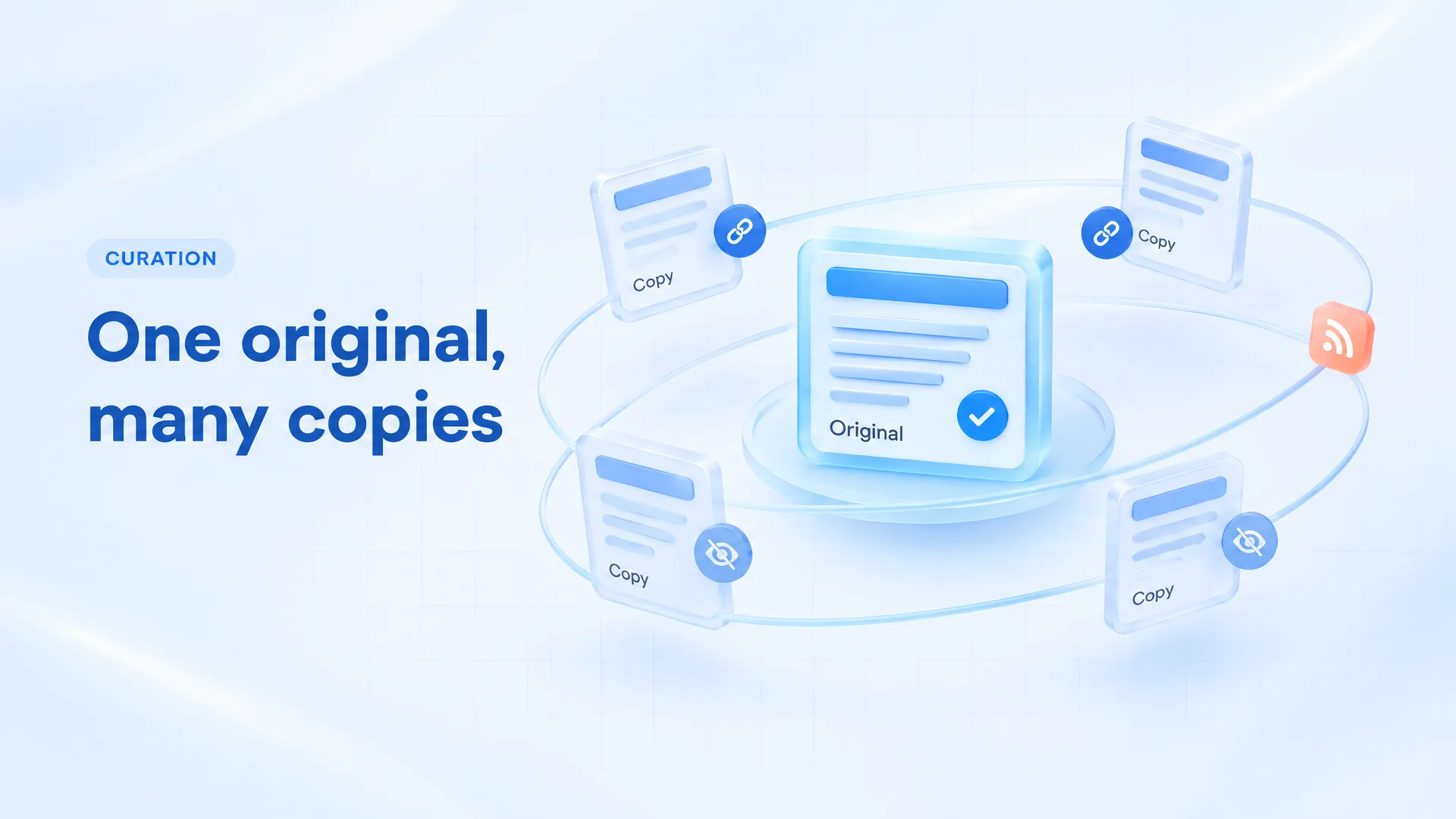
To avoid duplicate content when you syndicate articles, pick one URL as the original. Every other copy should either point back to it or stay out of search. Partners add noindex to their copy, and when you curate someone else's article, you post a short excerpt with your own commentary and a link to the source.
Content syndication runs in two directions. You might send your own posts to partner sites and platforms. Or you might republish and comment on other people's articles, which is content aggregation. The fixes overlap, but who owns the original decides which one you use.
How Google handles duplicate copies
Start with Google's own docs, because a lot of advice online overstates the risk.
Google says some duplicate content on a site is normal and is not a violation of its spam policies. What happens instead is selection. When several pages carry the same text, Google picks one to show. If you don't state a preference, Google "will identify which version of the URL is objectively the best version to show to users in Search".
So the risk is about which copy wins. A partner with a bigger site can become the version Google shows, while your original gets little search traffic.
Stating a preference helps, but only so far. In Google's words, a canonical preference "is a hint, not a rule".
How to syndicate your own articles
These steps cover content syndication where you own the original and someone else hosts a copy.
1. Publish on your site first
Put the article live on your own domain before anyone else gets it. Then confirm Google has indexed it: search for the exact title, or inspect the URL in Google Search Console. Send it to partners after that.
2. Ask partners to noindex their copy
This is Google's current advice. In May 2023 Google rewrote its canonicalization help, as reported by Search Engine Roundtable. It removed syndication from the list of canonical use cases and added that "the canonical link element is not recommended for those who wish to avoid duplication by syndication partners." The same update says "the most effective solution is for partners to block indexing of your content."
In July 2023, Google's Search Liaison Danny Sullivan said publishers worried about syndicated content should “require their partner to use noindex,” and that if the agreement requires it, partners should follow the agreement. So put noindex in the contract. The tag on their page looks like this:
<meta name="robots"
  content="noindex">
The partner still reaches its own readers through its homepage, newsletter and social posts. Their copy just stays out of Google's results.
3. Use a canonical link when noindex is off the table
Some partners won't noindex, and some platforms don't give you that control. A cross-domain canonical on the copy, pointing at your URL, is the fallback:
<link rel="canonical"
  href="https://example.com/post">
⚠️ Expect less from it. Sullivan said canonical "is designed primarily to deal with near duplicate pages," which is why Google doesn't recommend it for syndication within a network.
Some platforms let you set it yourself. On DEV, the editor's front matter has a canonical_url field, described as the "link for the canonical version of the content". Other platforms handle this differently or not at all, so check the post settings before you publish there.
4. Link back and name the source on every copy
Add a line at the top or bottom of each copy: "This article first appeared on [Your Site]," linked to the exact original URL. Readers see who wrote it, and crawlers find a direct path to your page.
How to curate other people's articles
Content aggregation flips the problem. You don't own the original, so you can't ask anyone to noindex anything. You control your own page, so that's where the work goes.
If you curate from blogs, find each site's RSS feed so new posts come to you instead of the other way around. Then, for each piece you share:
- ✅ Quote a short excerpt, a paragraph or two, and link to the full article.
- ✅ Name the author and the publication in the text.
- ✅ Add commentary a reader can't get from the source: why it matters to your audience, where you disagree, what to try next.
- ❌ Don't paste the full article, even with credit. Credit doesn't give you permission to republish.
- ❌ Don't spin the text. Swapping a few words leaves the same article, and it reads worse.
That last point sets the limit on rewriting. If an excerpt isn't enough, get permission and treat it as syndication with you as the partner (noindex or canonical on your copy). Or write your own piece and cite the original.
When to noindex your own pages
Noindex is also a tool for your own site. Sullivan's advice for publishers who syndicate within their own network was to use noindex and drop canonical. If you cross-post an article to a second site you own, noindex the second copy.
The same logic fits a page that is mostly other sites' text, like a link roundup with one-line notes. People can still read it. You just aren't asking Google to rank a page that adds little to the sources it quotes. A curated post with real commentary is a different case, and you can leave it indexed.
Which fix to use for each copy
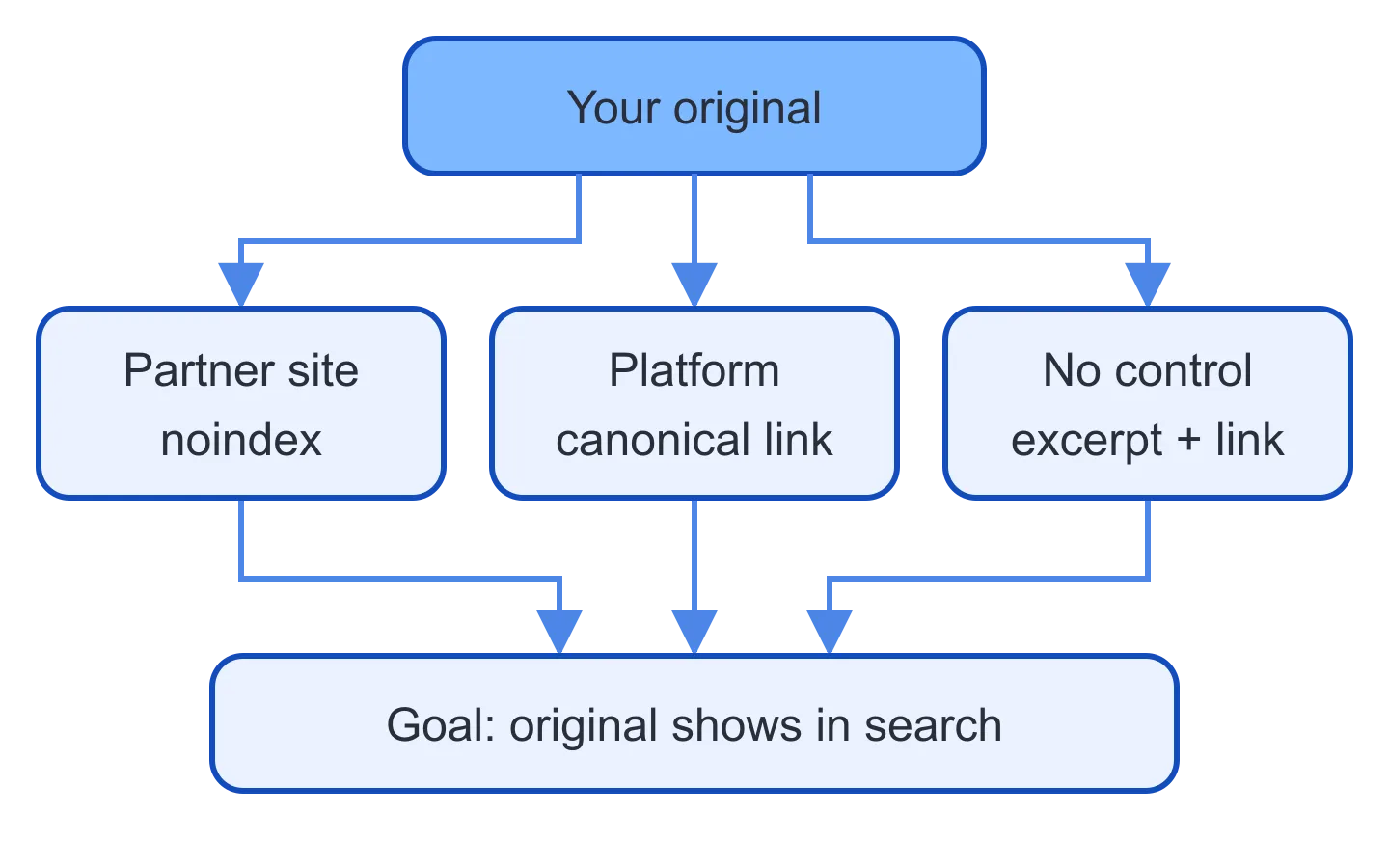
Start with who controls the copy. That tells you which tools you have.
| Copy | Who controls it | Use |
|---|---|---|
| Partner site | Partner | Noindex, in the agreement |
| Platform with a canonical setting | You | Canonical to original |
| Platform with neither | Platform | Excerpt and link |
| Your second site | You | Noindex |
| Curated post | You | Excerpt, commentary, link |
| Link roundup | You | Consider noindex |
Every row also gets a visible link back to the original.
When the copy still outranks your original
Run through these checks in order.
- Look at the partner's page source. Search it for
noindex. Templates change, and a tag that was there at launch can disappear in a redesign. - Check the canonical URL character by character. A canonical that points at the http version, a staging domain or a URL with a stray parameter points Google at the wrong page.
- Confirm your original is indexed. If it isn't, the copy has no competition.
- Link to the original from your own site, newsletter and social posts, so it isn't the least-linked version of its own article.
- Go back to the agreement. If it requires noindex, Sullivan's line applies: the partner should follow it.
💡 If a partner refuses noindex and its copies keep outranking yours, you can still do content syndication with them on excerpt terms. They publish the first few paragraphs and link to your site for the rest.
Questions about content syndication and duplicate content
Does Google penalize duplicate content from syndication?
Google's docs say some duplicate content is normal and not a spam policy violation. The practical problem is selection: Google shows one version, and it may not be yours.
Should a syndication partner use rel=canonical or noindex?
Noindex. Google's May 2023 update, as reported by Search Engine Roundtable, says the canonical link element is not recommended for avoiding duplication by syndication partners, and that partners blocking indexing is the most effective solution.
Is content aggregation the same as content syndication?
They overlap. Syndication usually means a full article appears on another site by agreement. Aggregation means you collect and share other people's content, ideally as excerpts with your own commentary.
How long should I wait before syndicating a post?
Wait until your original is indexed. Search for the exact title or check the URL in Search Console before you send it to a partner.
Can I republish a full article if I credit the author?
Credit alone doesn't give you the right to republish. Ask the author or publisher first, then apply the same noindex or canonical rules to your copy.
Curate and syndicate with Feedigy
Feedigy covers the curation and publishing steps of content syndication. Add the blogs you follow as Discovery Feeds (RSS, Atom or public links). When an article is worth sharing, write your take as a Draft in an Original Feed. Each item has fields for title, author, categories and tags, plus a canonical URL field where you keep the original article's address. That field is a reference for you. Feedigy doesn't add canonical or noindex tags to your site, so set those in your CMS.
AI Copilot in the editor can draft the commentary from a prompt and a tone, and you edit the result. Drafts stay out of automation, so nothing goes out until you move the item to Scheduled or Published.
Then an Auto-Publisher posts it, with one Auto-Publisher per destination so each channel gets its own format: Facebook Pages, X, LinkedIn, Instagram, Telegram, WordPress, email digests or a webhook (Zapier, Make, n8n, Pabbly). Our guide to auto-posting RSS to social media covers that setup.
Create your Feedigy account and add your first Discovery Feed.